EtchDroid APK v2.1 · Latest Version for Android
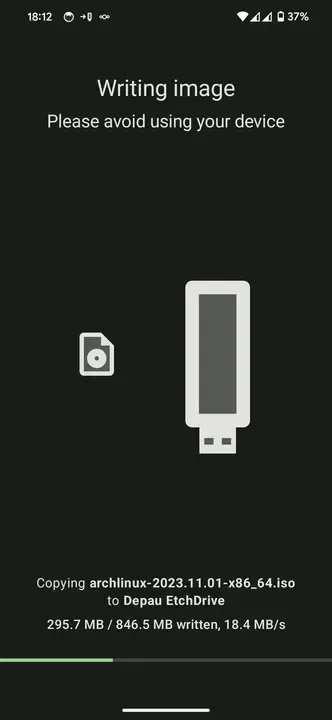
EtchDroid writes Linux ISO and Raspberry Pi images to USB drives from your Android phone, without root. Make a bootable USB anywhere.
- Version
- 2.1
- Updated
- Jul 14, 2026
- Size
- 4.5 MB
- Requires
- Android 6.0+
- Developer
- Davide Depau
- Category
- Tools
- License
- GPL-3.0
- Package
- eu.depau.etchdroid
Screenshots
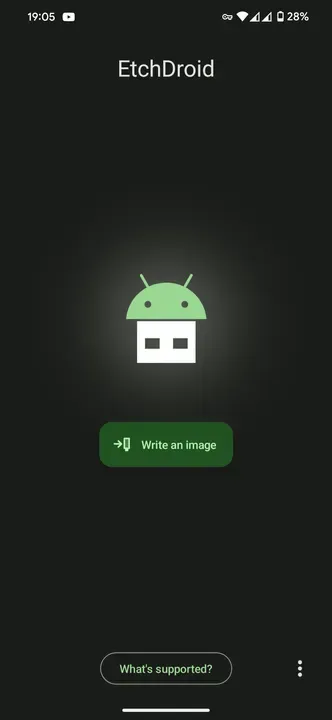
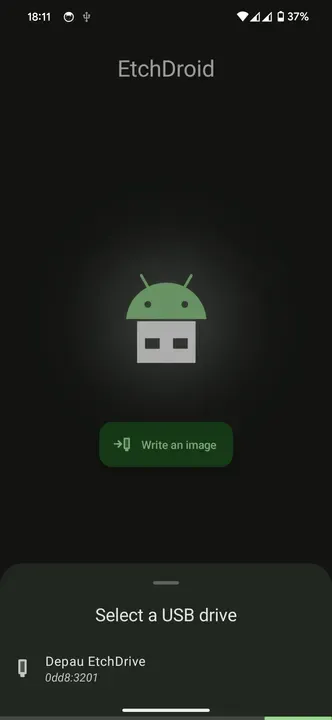
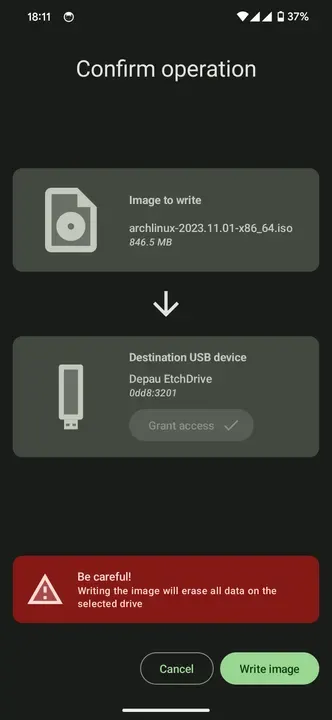
What's New in v2.1
- Quality-of-life release with bug fixes and new translations.
- Improved reliability: fixed several crashes while writing to USB drives
- Very large USB drives that can't be written now show a clear error message
- Fixed a crash when opening images on some Android 13 devices
- Telemetry is now correctly disabled on microG-based ROMs
- Added new translations: Finnish, Galician, Burmese, Sardinian, Slovak and Ukrainian
What is EtchDroid?
EtchDroid turns your phone into a USB image writer. If your computer will not boot and you need a fresh Linux installer, you can download the ISO on your phone, plug in a USB stick with an OTG adapter and write a bootable drive in minutes.
Key Features
- Write ISO and raw disk images to USB flash drives
- Supports Ubuntu, Debian, Fedora, Arch, Mint and more
- Raspberry Pi SD card images via USB adapter
- No root required
- Verifies the written image
Getting Started
Connect a USB flash drive with an OTG adapter, pick the image file and the drive, and start writing. Official Windows ISOs are not supported; use it for Linux and similar images.
Open Source and Privacy
EtchDroid is developed in the open by Davide Depau and released under the GPL-3.0 license. The code is hosted at github.com/EtchDroid/EtchDroid, so anyone can check what the app does. The version on this page has no ads or tracking libraries flagged by F-Droid.
How to Install EtchDroid APK
- Tap Download and get the EtchDroid v2.1 APK (4.5 MB).
- Optional: compare the file’s SHA-256 checksum with the one on the download page.
- Open the file and allow your browser or file manager to install unknown apps if asked.
- Tap Install. Updates from the same source install over this one and keep your data, because they are signed with the same key.
Frequently Asked Questions
Is EtchDroid free?
Yes. EtchDroid is free and open-source software released under the GPL-3.0 license. It has no ads and no paid version is required to use it.
Is this EtchDroid APK safe?
The APK on this page is the original file published in the F-Droid repository, unmodified. Its SHA-256 checksum is listed on the download page so you can verify it, and the full source code is public.
What Android version does EtchDroid need?
EtchDroid v2.1 requires Android 6.0 or newer.
Where can I find the source code of EtchDroid?
The source code is available at https://github.com/EtchDroid/EtchDroid. You can read it, report issues or contribute there.


