
Neo Backup APK v8.3.18 · Latest Version for Android
Neo Backup backs up and restores Android apps with their data to a folder you choose. Schedules, encryption and batch backups. Needs root.
- Version
- 8.3.18
- Updated
- May 4, 2026
- Size
- 11 MB
- Requires
- Android 8.0+
- Developer
- Antonios Hazim
- Category
- Tools
- License
- AGPL-3.0
- Package
- com.machiav3lli.backup
Screenshots
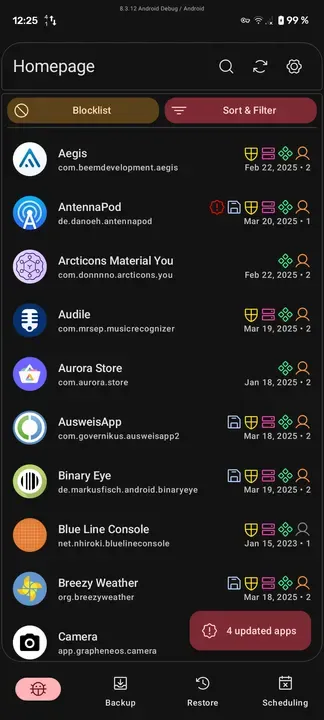
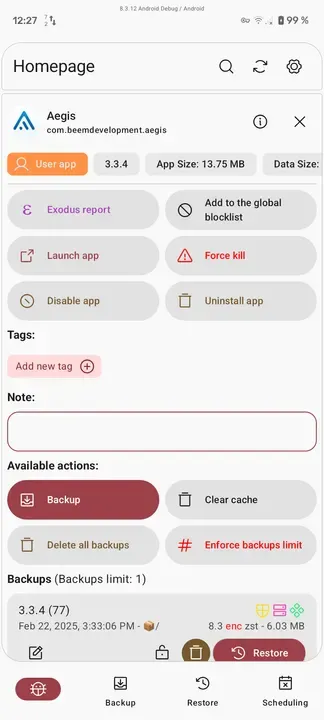
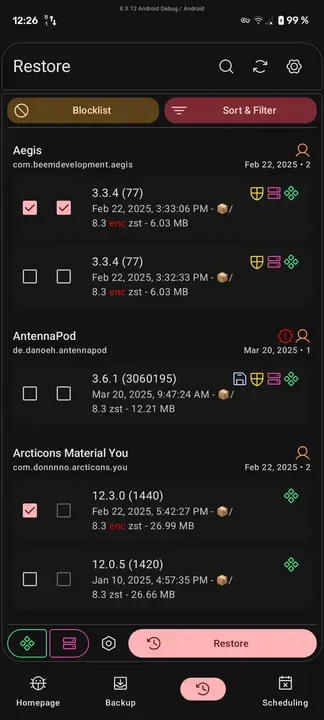
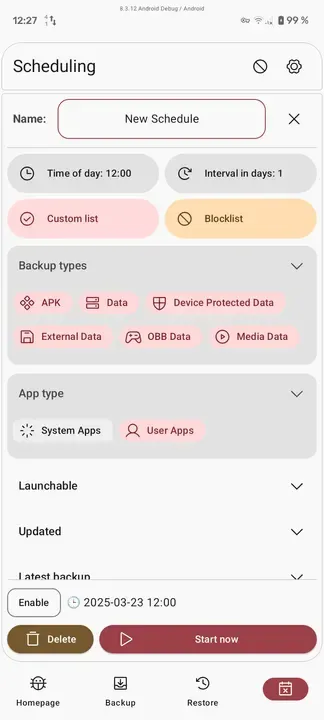
What's New in v8.3.18
- Add: Onboarding page flow
- Add: Package names to package selector dialogs
- Fix: Updating app on changing theme contrast preference
- Remove: Encryption warning dialog
- + more than 20 commits, 30 translations
What is Neo Backup?
Neo Backup (formerly OAndBackupX) saves complete backups of your apps, including their data, so you can restore them after a reset or on a new device. Backups are stored in a normal folder that you control.
Key Features
- Back up APKs and app data
- Scheduled automatic backups
- Optional encryption
- Batch backup and restore
- Filters and custom backup lists
Getting Started
Neo Backup requires root because it copies data from protected system folders. Choose a backup folder, test a backup and restore on one app first.
Open Source and Privacy
Neo Backup is developed in the open by Antonios Hazim and released under the AGPL-3.0 license. The code is hosted at github.com/NeoApplications/Neo-Backup, so anyone can check what the app does. The version on this page has no ads or tracking libraries flagged by F-Droid.
How to Install Neo Backup APK
- Tap Download and get the Neo Backup v8.3.18 APK (11 MB).
- Optional: compare the file’s SHA-256 checksum with the one on the download page.
- Open the file and allow your browser or file manager to install unknown apps if asked.
- Tap Install. Updates from the same source install over this one and keep your data, because they are signed with the same key.
Frequently Asked Questions
Is Neo Backup free?
Yes. Neo Backup is free and open-source software released under the AGPL-3.0 license. It has no ads and no paid version is required to use it.
Is this Neo Backup APK safe?
The APK on this page is the original file published in the F-Droid repository, unmodified. Its SHA-256 checksum is listed on the download page so you can verify it, and the full source code is public.
What Android version does Neo Backup need?
Neo Backup v8.3.18 requires Android 8.0 or newer.
Where can I find the source code of Neo Backup?
The source code is available at https://github.com/NeoApplications/Neo-Backup. You can read it, report issues or contribute there.


